64% offExclusive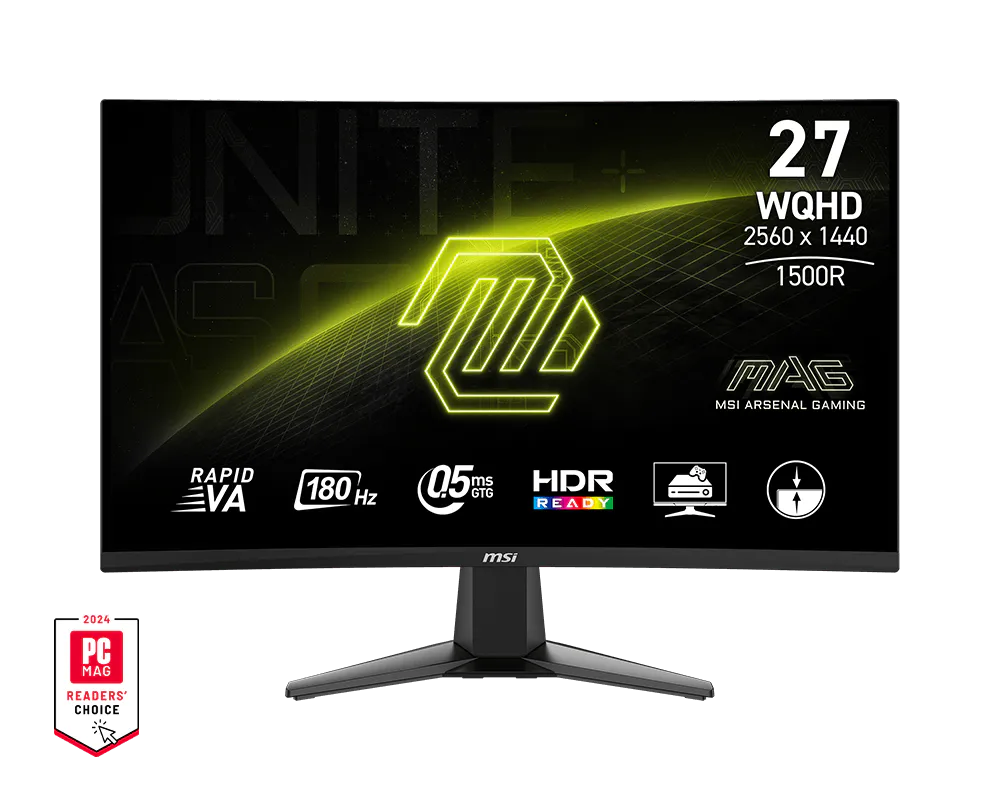
MSI MAG 27CQ6F 27 Inch 2K WQHD Curved Gaming Monitor 180HZ
Rs 14,514
Rs 40,000
Monitor
In stockRs 13,945
Rs 19,990
Save 30% right now
Free shipping on eligible PC parts
Secure checkout for every order
Compatibility support from SabkaPc
3-day issue reporting for eligible replacement review
Post-sales support for setup and eligible replacement help
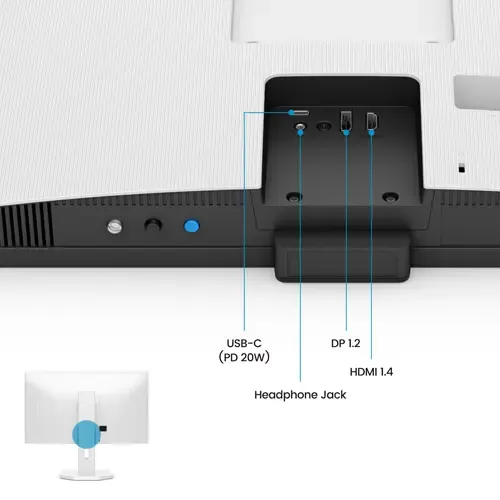
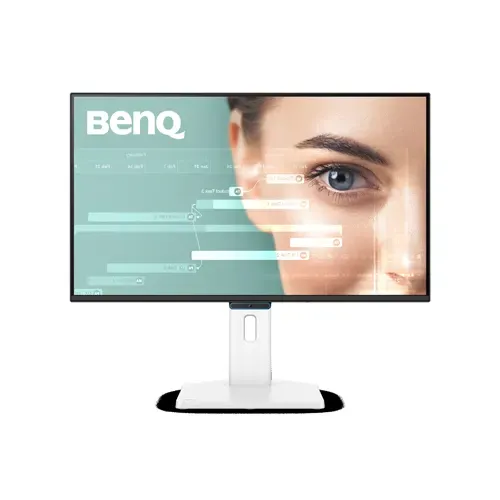
BenQ GW2790TC White 27 Inch Monitor Backlight Technology: LED backlight Color Mode: Standard, Game, ePaper, Care mode, Cinema Display Colors: 16.7 million color PPI: 82 Display Screen Coating: Matte Gamma: 1.8 - 2.6 HDCP: 1.4 Built-in Speaker: 2Wx2 Headphone Jack: Yes Voltage Rating: 100 - 240V Power Supply: Built-in Power Consumption (normal): 12 W Power Consumption (max): 56 W Power Consumption (sleep mode): <0.5 W Tilt (down/up): -5˚ - 35˚ Swivel (left/right): 45˚/ 45˚ Pivot: 90˚ Height Adjustment Stand: 150 mm VESA Wall Mount: 100x100 mm Flicker-free Technology: Yes Low Blue Light Plus: Yes Color Weakness: Yes ePaper: Yes Visual Optimizer: Yes TUV Certificate: Eye Comfort 3.0, EyeSafe 2.0, Low Blue Light FreeSync: Yes Work with All-Day Eye Comfort You can now ease eye strain from nonstop docs and spreadsheets with BenQ Eye-Care Triple Protection. Enjoy GW2790TC’s clean design, sharp visuals, and all-day adaptive eye comfort for great productivity. Adaptive Eye-Care. Steady Eye Comfort. You shouldn’t have to adjust setting after setting just to protect your eyes. That’s why BenQ Eye-Care Monitors come equipped with Triple Eye Protection, with Visual Optimizer, Low Blue Light, and Flicker-Free technology to deliver effortless, all-day eye comfort. Your Screen Knows the Light Visual Optimizer (formerly B.I.+), or V.O. for short, puts an end to eye strain. With a built-in sensor that optimizes brightness and color temperature for your environment, BenQ has thought of eye health well beyond just blue light protection. No guesswork, no fiddling—just comfortable viewing, from 9 to 5 and beyond. Adaptive Comfort, Your Way The Visual Optimizer (V.O.) Hotkey lets you tweak brightness and color temperature separately—for a screen that feels just right. We Cut Blue Light, Not Color Quality Ben
Need compatibility help?
Get practical guidance before ordering and continued help with setup, troubleshooting, warranty coordination, and eligible replacement requests after delivery.
Contact SabkaPcKeep exploring
%2C%20180Hz%2C%20HDR10%2CFPS%20Counter%2C%20NVIDIA/Product%20image/1.webp)
%201920%20x%201080%20at%2060%20Hz%2C%20VA%20Panel%2C%20HDMI%2C%20DP%2C%20VGA%20Port%2C%20with%20Speaker/Product%20image/1.webp)
/Product%20image/1.webp)